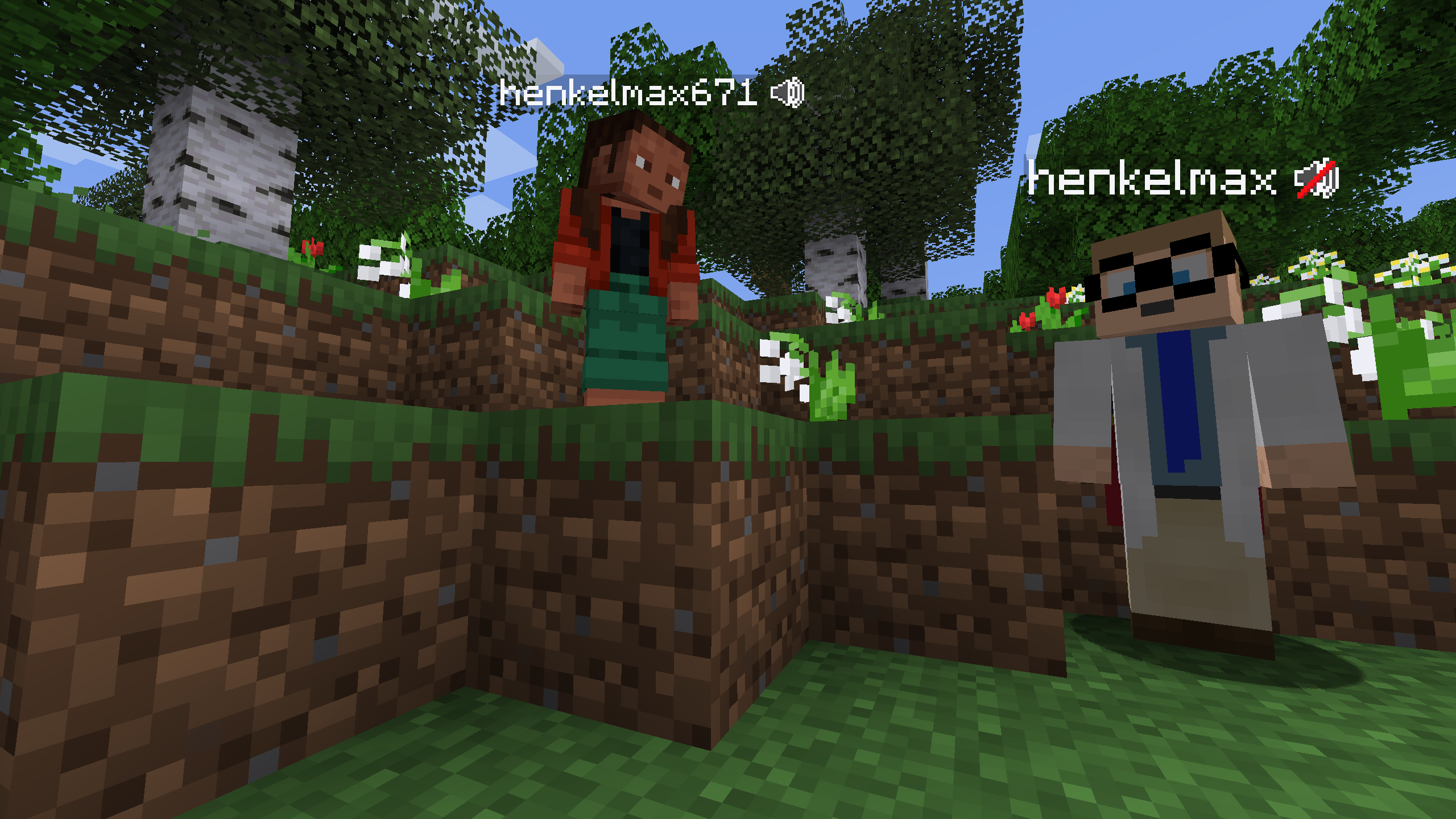
Voice Chat
Wilderion servers have Simple Voice Chat — voice communication right in the game!
🎤 Features
- Proximity chat — voice is heard in a radius around you
- Groups — create private and public channels
- Unlimited distance — communicate through channels at any distance
📥 Installation
Mod Required
You need to install the mod on your client for voice chat to work!
Step 1: Install Fabric
- Download Fabric Installer
- Run and select your game version
- Click "Install"
Step 2: Install Fabric API
- Download Fabric API for your version
- Place the file in the
modsfolder
Step 3: Install Simple Voice Chat
- Download Simple Voice Chat for your version
- Place the file in the
modsfolder
⚙️ Configuration
After installation, press V (default) to open the voice chat menu.
Main Settings
| Setting | Description |
|---|---|
| Microphone | Select microphone |
| Speaker | Select output device |
| Voice Activation | Voice activation or push-to-talk |
| Mute | Disable microphone |
| Deafen | Disable sound from others |
Hotkeys
| Key | Action |
|---|---|
| V | Open menu |
| Caps Lock | Push-to-talk (default) |
| M | Mute/Unmute |
👥 Groups
Create groups to communicate at any distance:
- Press V to open menu
- Go to "Groups" section
- Create a new group or join an existing one
Group Types
| Type | Description |
|---|---|
| Open | Anyone can join |
| Normal | Password required to join |
| Isolated | Members only hear the group |
❓ Troubleshooting
Voice chat doesn't work
- Make sure mod versions match the server version
- Check that Fabric API is installed
- Check microphone settings in mod menu
- Make sure microphone is not blocked by system
Can't hear other players
- Check that you're not in "Deafen" mode
- Make sure volume is not at zero
- Check that other players are within hearing range
Others can't hear me
- Check that microphone is selected correctly
- Make sure you're not in "Mute" mode
- Check voice activation indicator
📸 Screenshots